
Kadam Auto Rules: 8 Video Lessons on Ad Automation and Optimization
Learn Kadam Auto Rules in 8 free video lessons. Automate campaign optimization, control ad spend, manage bids, and scale profitable traffic.
27 Oct 2026
Please note: To enable Kadam Auto Rules, contact your account manager.
How can you spend less time on manual optimization, control ad spend, and scale profitable campaigns? Kadam Auto Rules help you automate the management of placements, creatives, budgets, and bids based on real performance data.
We’ve created a free eight-part video course showing you how to set up Auto Rules and use Advanced Statistics for more precise traffic optimization.
Lesson 1. What Kadam Auto-Rules Are: Protect Your Budget 24/7
Discover how Auto Rules monitor campaign performance every five minutes, automatically exclude underperforming traffic, and help scale successful campaigns. We cover the four types of Auto Rules and explain which tasks you can automate with each one.
Lesson 2. Postback Setup and Test Conversion
Before enabling automation, it’s important to make sure your conversion data is being tracked correctly. We show you how to configure Postback, map conversion statuses, run a test conversion, and set a target conversion value for accurate performance calculations.
Lesson 3. Placement autorule setup: blacklist and return
How can you automatically exclude placements that spend your budget without generating conversions and bring them back when delayed conversions come in? We demonstrate two complementary Auto Rules that help control costs while preserving promising traffic sources.
Lesson 4. Campaign Auto Rule setup: campaign stop
Learn how to automatically pause campaigns when CPL and spending exceed your defined thresholds. We also cover the opposite scenario: increasing daily budgets when campaign ROI meets your targets.
Lesson 5. Creative Auto Rule setup: stop creative
See how to automatically pause ad creatives that aren’t delivering the expected results. We explain how to set spending and conversion conditions to manage individual creatives without constantly monitoring their performance manually.
Lesson 6. Auto Rule management: pause, edit, and review
Learn how to edit, pause, and delete existing rules, and check which actions they’ve triggered. You’ll find out where to see campaigns and creatives paused by Auto Rules and how to track changes to your placement blacklist.
Lesson 7. Extended Statistics Autorule
Move on to automated bid optimization for individual traffic segments. We explain how EPC is calculated, how bid multipliers work, and how to combine multiple Auto Rules to manage traffic buying across platforms, sources, and placements.
Lesson 8. Extended Statistics: How to Analyze Campaigns by Data Segments (Workshop)
Using real campaign examples, we show how to analyze traffic across different segments, identify underperforming placements, and preserve profitable traffic volume. We also cover individual bids, win rate, choosing the right reporting period, and finding opportunities to scale.
Start Optimizing Your Campaigns More Effectively
Eight videos, approximately 39 minutes of practical explanations and examples. Follow the course from the beginning if you’re new to Auto Rules, or jump straight to the lessons that match your current needs.





Read Also
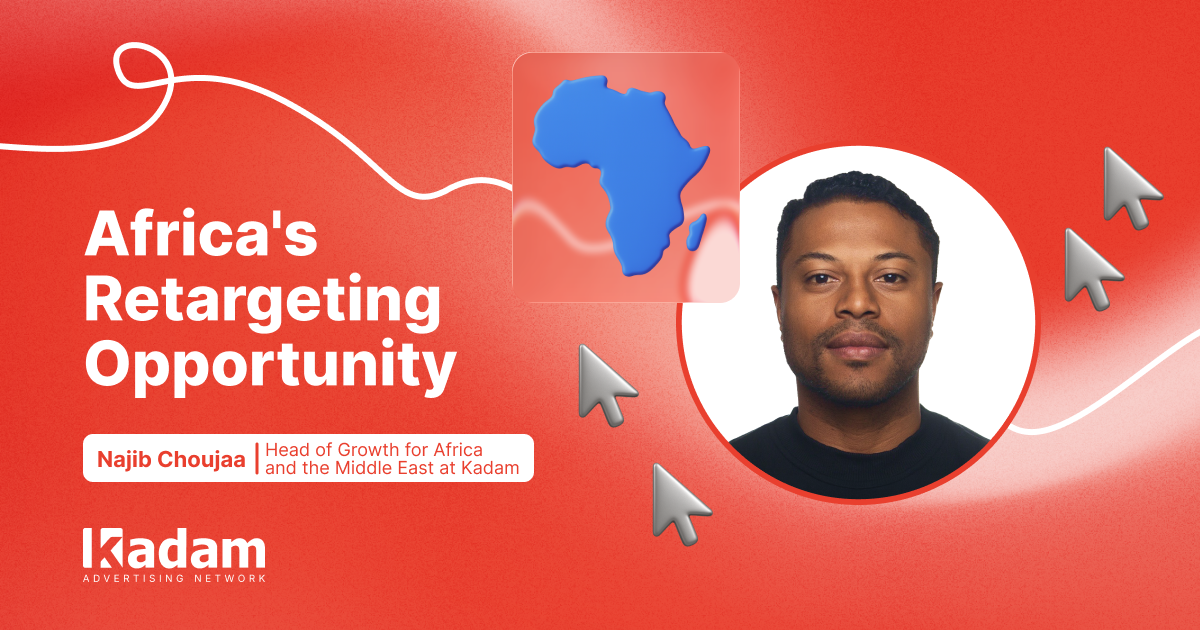
Retargeting in African iGaming: Najib Choujaa Shares His Insights with iGaming AFRIKA
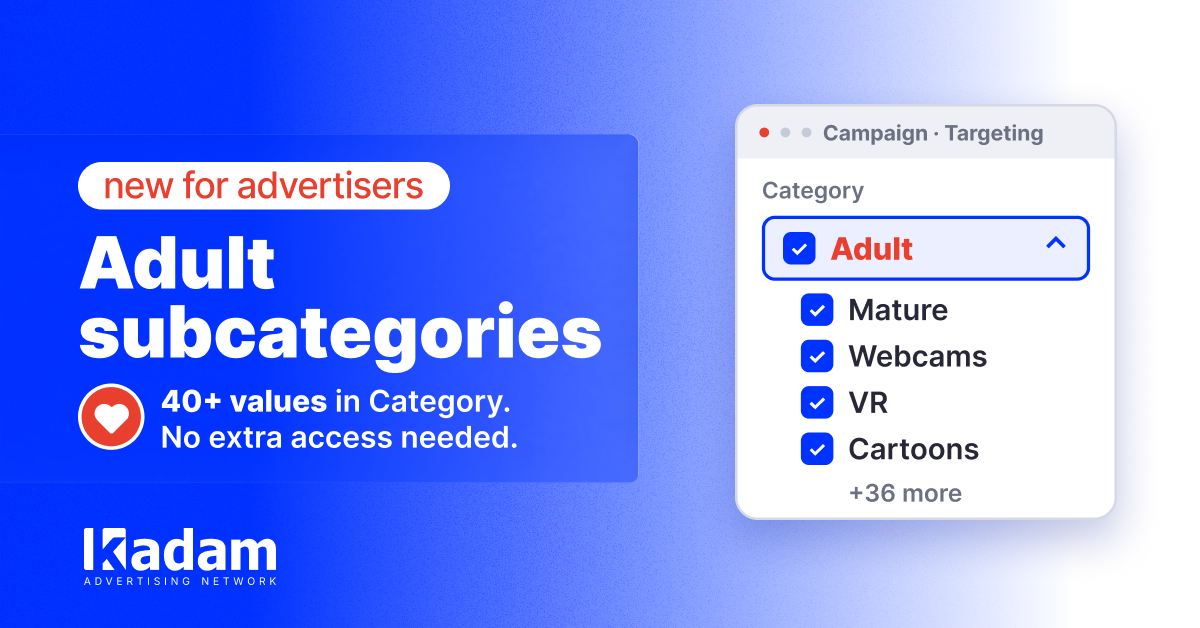
More Precise Adult Targeting: 40+ Subcategories in Kadam

How to Choose High-Quality Paid Traffic for Your Advertising Campaigns
Retargeting Strategy: A Step-by-Step Guide
Retargeting Campaigns: How They Improve Conversion Rates
Popunder Ads Examples: Campaign Flows and Landing Pages
DarkSword Reached Ad Traffic: Why a Normal Landing Page Can Hide an iOS Attack

Direct Advertiser vs Ad Network Which Model Is Better
Managing CPC Campaigns with Auto Rules