Managing CPC Campaigns with Auto Rules
Create and manage Auto Rules for CPC campaigns in Kadam. Start, stop, and delete rules and use built-in bid protection for safer automation.
20 Aug 2026
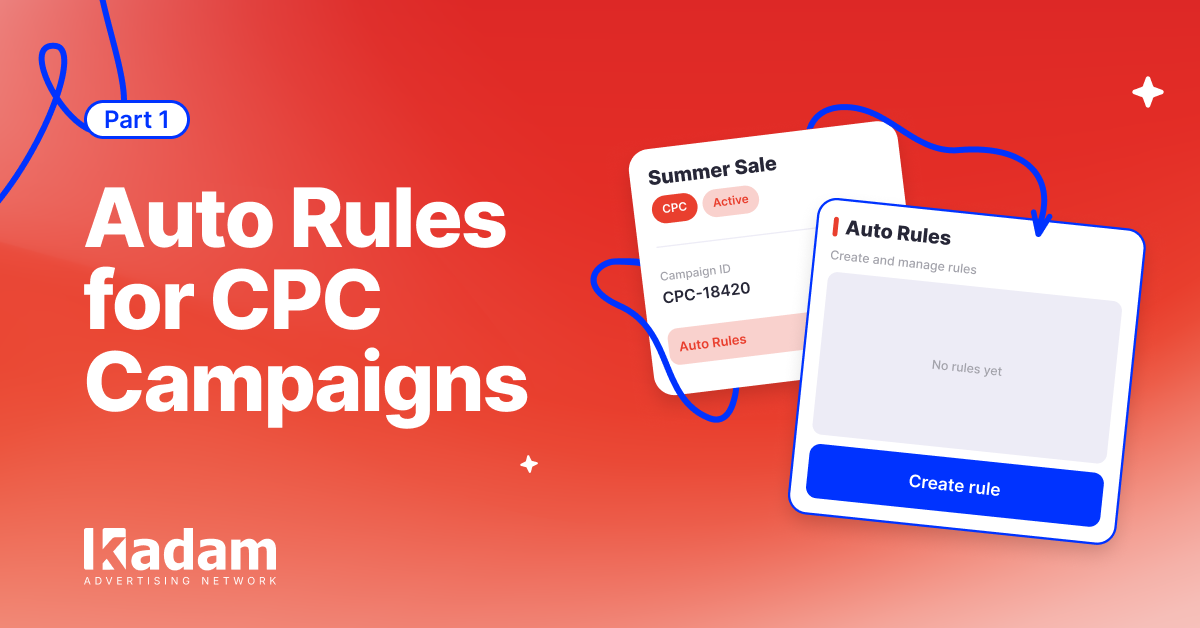
Advertisers running CPC campaigns can now create and manage Auto Rules directly from their Kadam account.
Once access is enabled, you can:
- create new rules;
- start and stop them;
- delete rules you no longer need.
Automation Under Your Control
Built-in limits apply to Auto Rules:
- up to 5 rules per campaign;
- up to 50 rules per account.
Rules created by advertisers also include bid protection: the system prevents you from setting values outside the campaign’s allowed range.
Auto Rules help automate routine CPC campaign management and respond faster to changes in campaign performance.
How to Get Access
The feature is enabled through your Kadam manager.
Want to manage Auto Rules yourself? Contact your Kadam manager to get access.





Read Also

More Precise Adult Targeting: 40+ Subcategories in Kadam
DarkSword Reached Ad Traffic: Why a Normal Landing Page Can Hide an iOS Attack

Direct Advertiser vs Ad Network Which Model Is Better

VAST Creatives Are Now Available in Kadam Video Campaigns
What Is Retargeting Advertising and How Does It Work

New Ways to Add HTML Creatives
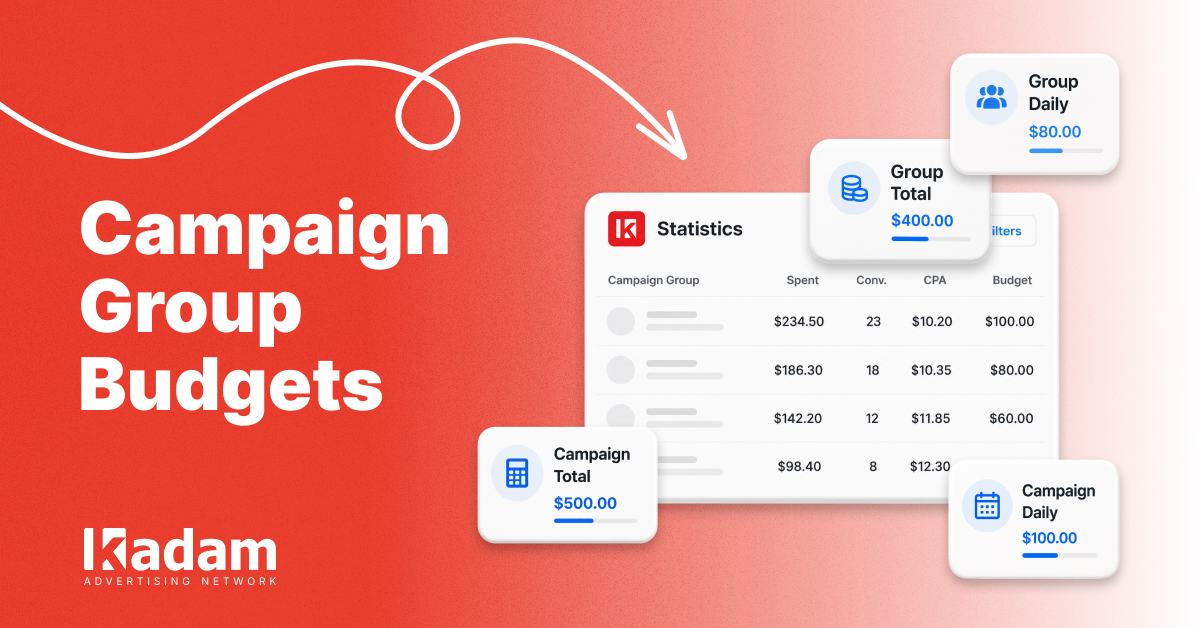
Campaign Group Budgets: Limits at a Glance

Retargeting Ads Explained: When and How to Bring Lost Customers Back
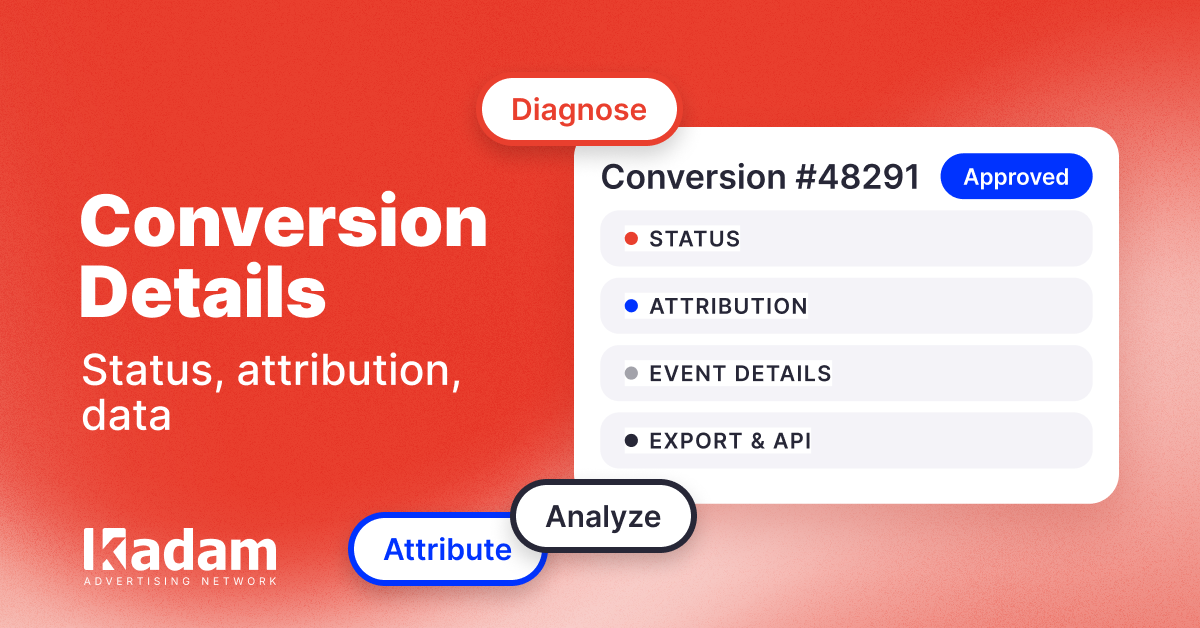
Conversion Details: More Data for Every Event