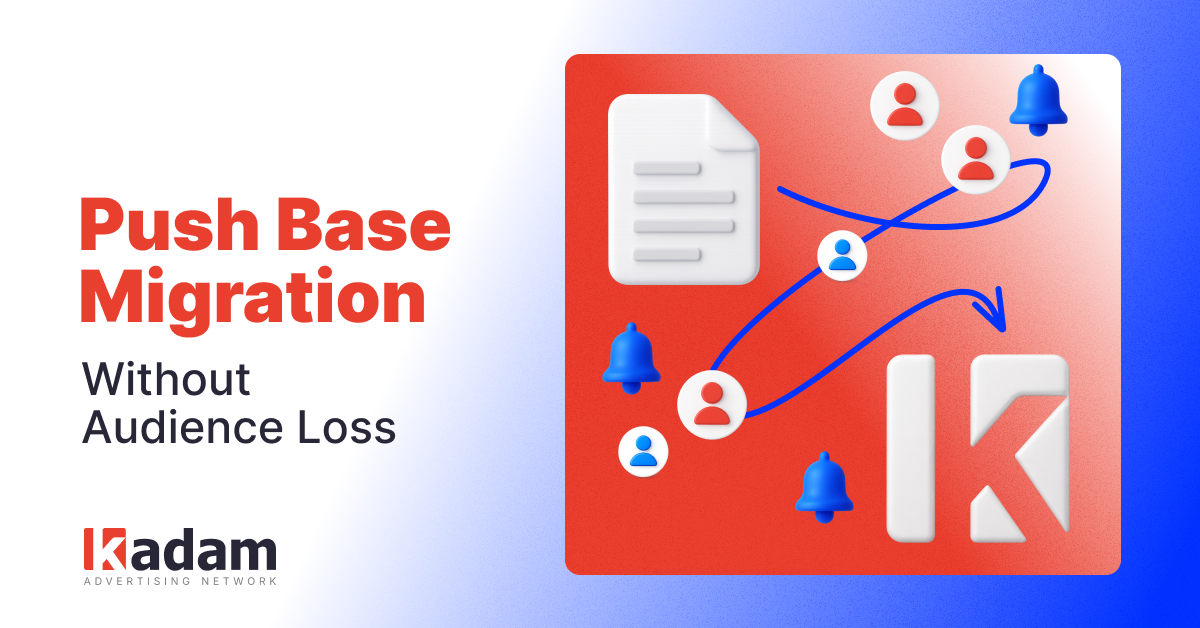
Push Notifications: Easily Migrate Your Subscriber Base and Connect Multiple Providers on One Domain
Migrate your push subscriber base from another advertising network to Kadam and connect multiple push providers on one domain using a custom Service Worker file name.
23 Jul 2026
We have updated Kadam’s push service and added support for custom Service Worker file names. This enables two scenarios: migrating a push subscriber base from another network while retaining the audience, and using multiple providers on the same domain without overwriting other providers’ files.
Why Migration Used to Be Difficult
To deliver push notifications, advertising networks use a Service Worker (SW), a script hosted on the domain and linked to the subscriptions. Previously, Kadam’s SW could only operate at the sw.js path, so it could overwrite another provider’s file and reset its subscriptions before users had time to resubscribe.
What Has Changed in the Dashboard
An optional Custom sw.js file name field has been added to the push block settings. It allows you to specify a Service Worker file name, such as kadam-sw.js.
The file name may contain letters, numbers, hyphens, and underscores and must end with .js.
If an invalid value is entered, a validation error appears asking you to provide a valid file name. The selected name is saved in the block settings and automatically filled in when the block is edited.
Do not rename the SW of an active block, as this will reset the current subscriptions. The dashboard will display a warning before the changes are saved.
Which Scenario Should You Choose?
Migrating a subscriber base from another push network. Enter the SW file name used by the current provider and replace that file with Kadam’s SW at the same path.
Using multiple push providers on one domain. Set a separate new file name for Kadam and keep the SW files of other providers in their existing locations.
Step-by-Step Instructions
- Find the SW file name used by the current provider on the domain. It is usually sw.js or service-worker.js.
- Open the push block settings in the Kadam dashboard and enter this name in the Custom sw.js file name field.
- Download Kadam’s SW file and snippet from the dashboard, then upload the SW to the root directory of the domain under the selected file name.
- Check that the file is served at https://your-domain/filename.js with an HTTP 200 status code and a JavaScript content type. Use the built-in script checker in the dashboard.
- The next time browsers check for updates, they will load Kadam’s SW and automatically resubscribe users with Kadam’s VAPID keys.
Check Before Launch
⚠️ If Kadam is connected under a new file name while the old sw.js is still linked to an active subscriber base from another provider, keep both files in the root directory of the domain. A 404 error for the old SW will reset its subscriptions.
⚠️ Custom SW file names work only when the snippet is integrated directly. Proxy-domain mode always uses the standard sw.js.
✅ The file is served at https://your-domain/filename.js (HTTP 200, JS content-type).
✅ The built-in script check in the dashboard is completed successfully.
✅ The correct script code is visible when you open https://domain/filename.js.
The update is already available in the publisher dashboard, along with detailed setup instructions.
If you need assistance, contact your Kadam manager:
Telegram: @Mikhail_Kdm
Email: m.mescheryakov@kadam.net
FAQ
Can I migrate a subscriber base from another advertising network to Kadam?
Yes. Enter the SW file name used by the previous provider in the Custom sw.js file name field and replace that file with Kadam’s SW at the same path.
Can I use Kadam together with another push provider?
Yes. Set a separate SW file name for Kadam and do not delete the files used by other providers.
Can I change the Service Worker file name after launch?
Renaming an active SW resets its subscriptions, so the file name of an active block must not be changed. The dashboard will display a warning if you try to do so.





Read Also
More Revenue from Existing Traffic: How Kadam Smart Mediation Works

Adult Website Monetization: Best Ways to Earn from Adult Traffic
How Ad Network Platforms Connect Advertisers and Publishers
KAI for Publishers: Get Answers About Statistics and Monetization in Seconds
VAST Video Ads: A New Monetization Format Is Now Available in Kadam
Popunder CPM for Publishers: What Affects Website Revenue
Frequency Capping: Full Guide to Increase Popunder Revenue
Popunder Ads for Publishers: How Website Owners Earn from Pop Traffic
How to Monetize a Website Without Google AdSense