KAI for Publishers: Get Answers About Statistics and Monetization in Seconds
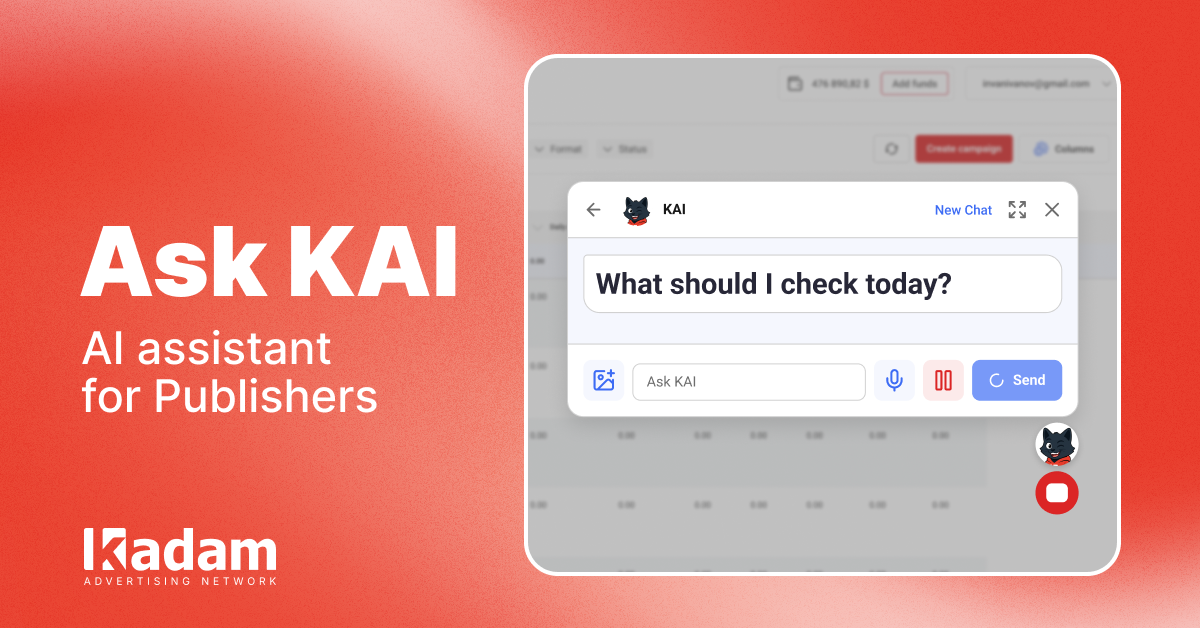
KAI is now available in the Kadam publisher dashboard. The AI assistant analyzes statistics, explains revenue changes, and helps publishers manage their websites and ad units.
30 Jul 2026
KAI, a personal AI assistant for managing websites and ad units, is now available in the Kadam publisher dashboard.
Previously, publishers had to contact their manager or the support team to understand why revenue had decreased, check the status of a payment, or get help installing an ad code. Now, many questions can be resolved directly in the dashboard within seconds.
How KAI Works
You can communicate with KAI in natural language. There is no need to search for a specific report or use special commands.
For example, you can ask:
- why revenue has decreased for a specific website;
- which ad units have received no impressions over the past week;
- when the next payment is expected;
- how to add a website and install the ad code;
- what can be changed to increase revenue.
KAI accesses the available statistics and provides an answer based on specific performance data.
This means publishers receive recommendations connected to their actual account data rather than general advice.
Publishers Remain in Full Control
KAI does not change website or ad unit settings on its own.
Any action that may affect the account is performed only after the publisher gives explicit confirmation. The publisher first sees the suggested change and then decides whether to apply it.
Help With Setup and Integration
KAI also helps publishers who are just getting started with Kadam.
The assistant can explain step by step:
- how to add a new website;
- how to create an ad unit;
- where to place the ad code;
- how to complete verification;
- how to prepare a website for moderation.
All answers are based on Kadam’s official guides.
Start Using KAI Today
The update is already available through a dedicated button in the publisher dashboard.
Log in to your account, click the KAI button, and ask a question about your websites, ad units, statistics, or payments.





Read Also
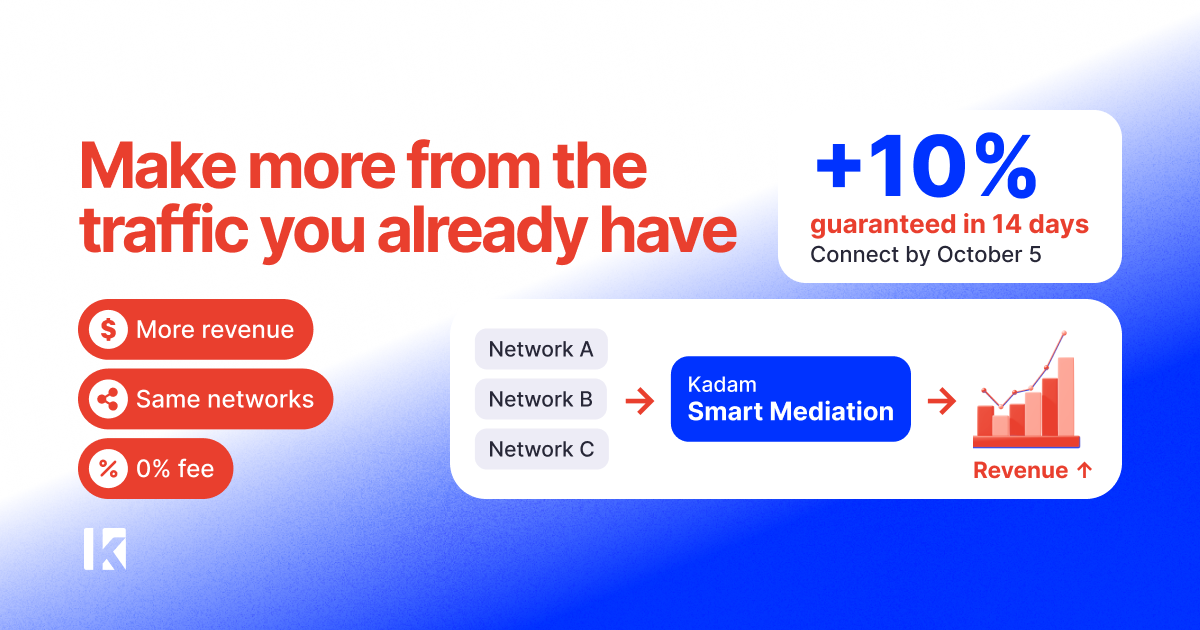
More Revenue from Existing Traffic: How Kadam Smart Mediation Works
Adult Website Monetization: Best Ways to Earn from Adult Traffic
How Ad Network Platforms Connect Advertisers and Publishers
VAST Video Ads: A New Monetization Format Is Now Available in Kadam
Push Notifications: Easily Migrate Your Subscriber Base and Connect Multiple Providers on One Domain
Popunder CPM for Publishers: What Affects Website Revenue
Frequency Capping: Full Guide to Increase Popunder Revenue
Popunder Ads for Publishers: How Website Owners Earn from Pop Traffic
How to Monetize a Website Without Google AdSense