New Ways to Add HTML Creatives
Kadam now supports Iframe URL and HTML code for banner campaigns, making it easier to launch dynamic creatives with content updated from your own source.
14 Aug 2026
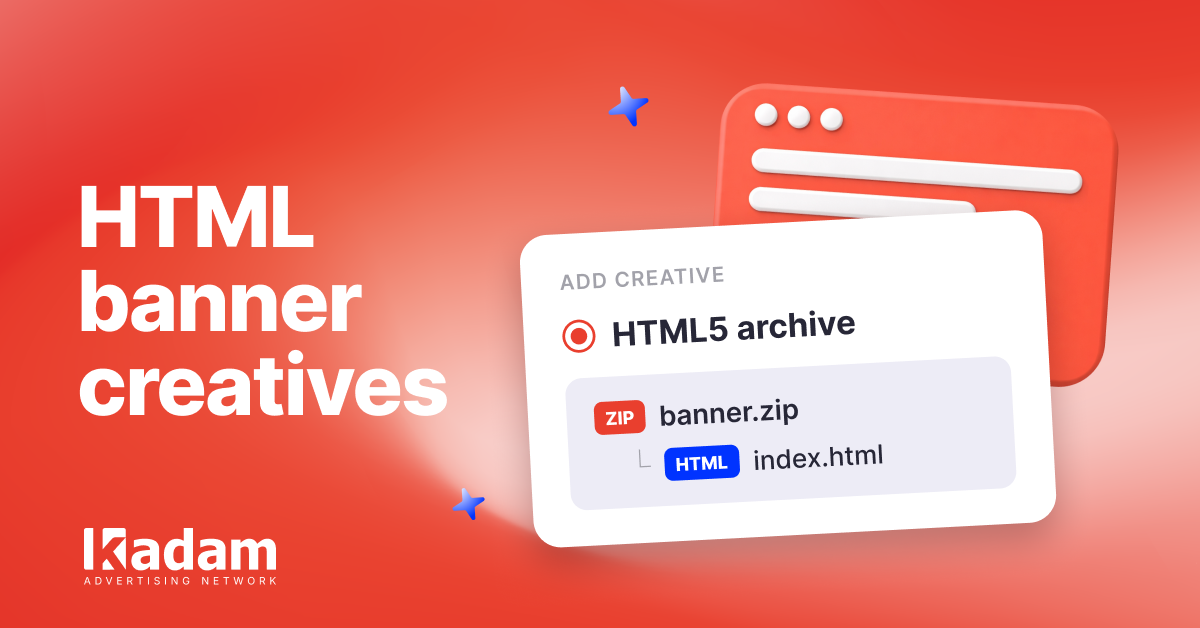
Banner campaigns in Kadam now support three ways to add HTML creatives:
- HTML5 archive — a ZIP file containing index.html
- Iframe URL — a link to a ready hosted banner
- HTML code — ready HTML markup inserted directly into the campaign
The new Iframe URL and HTML code options make it easier to launch dynamic banners with content that updates directly from the advertiser’s source. This can include live iGaming data, video, current prices, product availability, and other dynamic content.
One important setup detail: add the {{{{{click_url}}}}} macro directly to the iframe URL or HTML tag. It is required for CPC campaigns and strongly recommended for CPM campaigns. The campaign URL is not used for click tracking with these formats.
Access to the new HTML creative options is enabled by a Kadam manager through the advertiser profile. Contact your manager to start using them.





Read Also
More Precise Adult Targeting: 40+ Subcategories in Kadam
DarkSword Reached Ad Traffic: Why a Normal Landing Page Can Hide an iOS Attack
Direct Advertiser vs Ad Network Which Model Is Better

Managing CPC Campaigns with Auto Rules
VAST Creatives Are Now Available in Kadam Video Campaigns
What Is Retargeting Advertising and How Does It Work
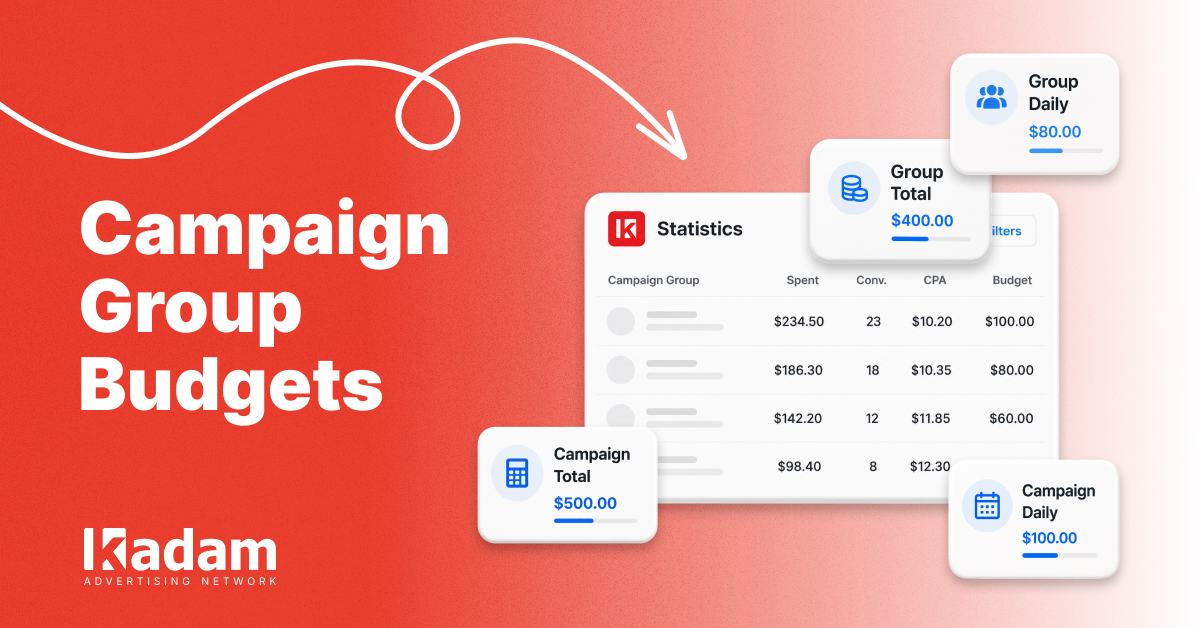
Campaign Group Budgets: Limits at a Glance

Retargeting Ads Explained: When and How to Bring Lost Customers Back
Conversion Details: More Data for Every Event