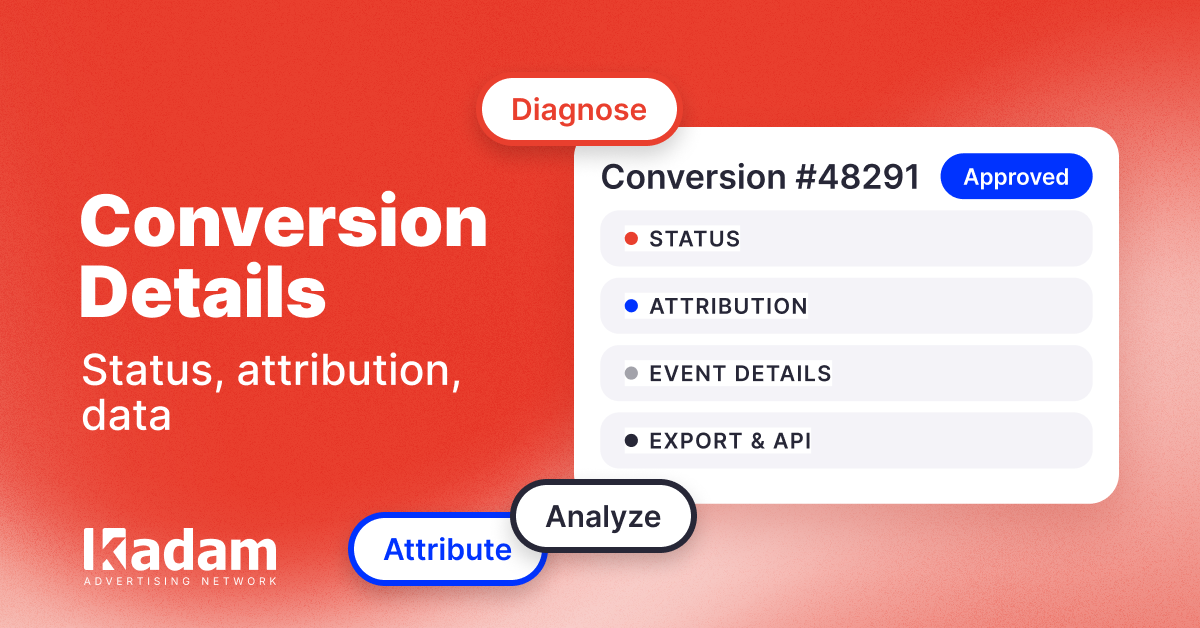
Conversion Details: More Data for Every Event
Kadam has updated the conversions section: extended details are now available with 13 statuses, reasons why conversions were not counted, separate PostView and PostClick analysis, CSV export, and data transfer via API.
06 Aug 2026
The conversions section in the Kadam advertiser dashboard has been updated. The “Postback Log” has become “Conversion Details”: now you can view complete information for every event directly in the interface, quickly identify why a conversion was not counted, and analyze PostView and PostClick results separately.
Previously, the section displayed only the click time, conversion time, amount, and one of three statuses. If a conversion was not counted, the advertiser had to contact support to find out why. Now this information is available directly in the dashboard.
What Has Changed
Instead of three basic statuses, there are now 13 detailed conversion statuses. For example, you can immediately see whether an event was not counted because it was a duplicate, had an invalid click_id, used an unknown currency, or contained another error.
The following information is also displayed for each conversion:
- the full postback callback URI;
- click and conversion times;
- the delay between the interaction and the conversion;
- the CPA cost;
- Remote User ID;
- retargeting audience;
- the reason why the conversion was not counted.
This makes it possible to identify data transmission errors faster and investigate conversions without additional communication with support.
PostView and PostClick as Separate Conversion Types
PostView and PostClick are now displayed as separate conversion types alongside Approve, Reject, and Hold.
Advertisers can filter conversions after an impression or a click separately and see which audience the user came through, which interaction preceded the result, and how much time passed before the target action was completed.
This makes it easier to understand what actually affects campaign results: a direct click on the ad or an impression after which the user returned and converted later.
Exporting Data to CSV and Transferring It via API
Data from the section can be exported to CSV in one click. The file will include conversions based on the filters selected in the dashboard.
A new API endpoint is now available for automatic data transfer:
POST /api/v1/stats/conversions
It can be used to transfer conversion data to your own BI system, tracker, or internal analytics infrastructure.
PostView and PostClick conversion data is stored for five years, so it can be used not only for operational campaign monitoring but also for cohort and long-term analysis.
Who Will Benefit From the Update
The new conversion details are available to Kadam advertisers and are especially useful for teams that:
- work with CPA campaigns and pass conversions via postbacks;
- run advertising campaigns in iGaming, finance, nutra, and dating;
- use retargeting audiences;
- analyze PostView and PostClick conversions separately;
- transfer data to Keitaro, Binom, their own trackers, or BI systems.
The updated section is already available in the Kadam advertiser dashboard. Go to “Conversion Details” to view event data and use the new filters, export, and API.
FAQ
Can I see why a conversion was not counted?
Yes. The section displays the specific reason why a conversion was not counted, such as a duplicate, an invalid click_id, or an unknown currency.
Can PostView and PostClick conversions be analyzed separately?
Yes. PostView and PostClick are now available as separate conversion types. They can be filtered and analyzed separately.
Can conversion data be exported?
Yes. Data can be exported to CSV based on the selected filters or retrieved via API using the POST /api/v1/stats/conversionsendpoint.





Read Also
More Precise Adult Targeting: 40+ Subcategories in Kadam
DarkSword Reached Ad Traffic: Why a Normal Landing Page Can Hide an iOS Attack
Direct Advertiser vs Ad Network Which Model Is Better
Managing CPC Campaigns with Auto Rules
VAST Creatives Are Now Available in Kadam Video Campaigns
What Is Retargeting Advertising and How Does It Work
New Ways to Add HTML Creatives
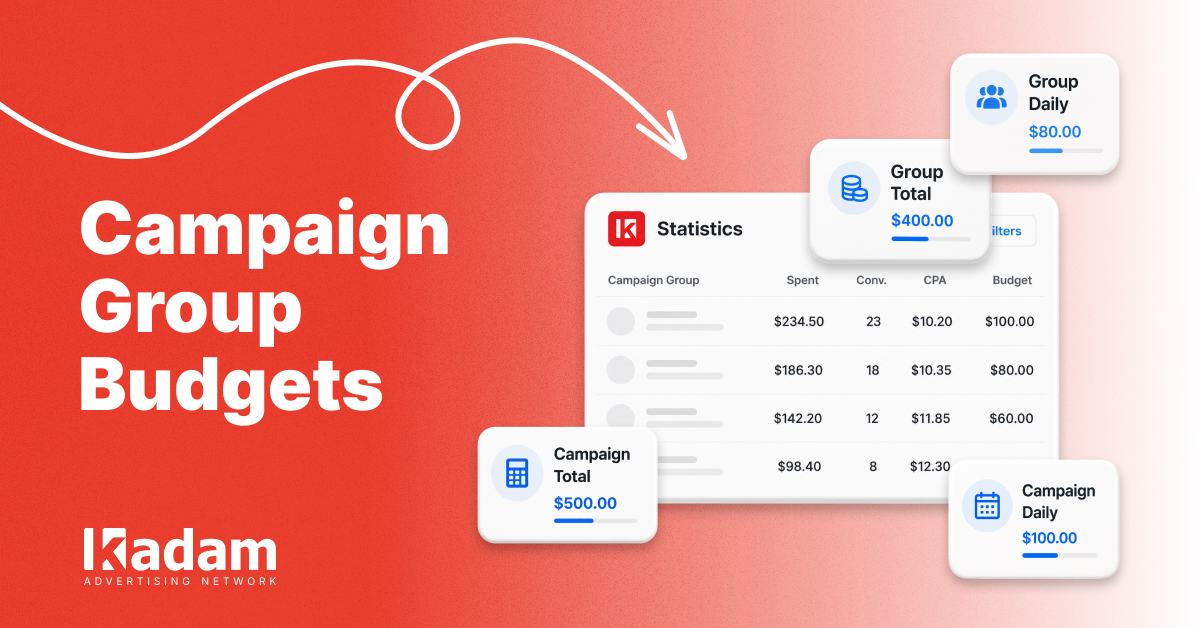
Campaign Group Budgets: Limits at a Glance
Retargeting Ads Explained: When and How to Bring Lost Customers Back